How SMEs Choose ERP: 2025 Latest Inventory Management System Comparison & Recommendations
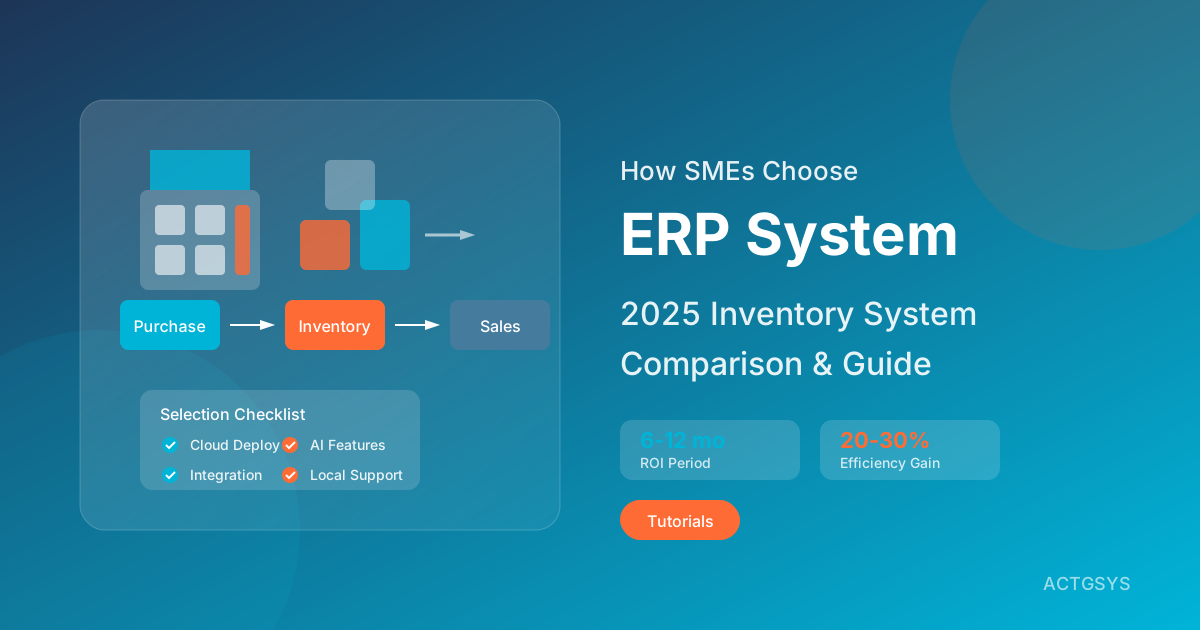
For SMEs, choosing the right ERP (Enterprise Resource Planning) system is a major decision. Choose correctly, and inventory process efficiency can improve by 20-30%, reducing manual work by 15-20 hours weekly; choose incorrectly, and it could result in hundreds of thousands or even millions in sunk costs. This guide compiles the latest 2025 ERP selection trends to help you make informed decisions.
2025 ERP Market Trends
Cloud ERP Becomes Mainstream
According to industry analysis, cloud ERP is rapidly replacing traditional on-premise solutions, with key advantages including:
| Feature | Cloud ERP | On-Premise ERP |
|---|---|---|
| Initial Investment | Low (subscription) | High (one-time purchase) |
| Maintenance Cost | Included in subscription | Requires additional IT staff |
| System Updates | Automatic updates | Manual upgrades |
| Access Method | Anywhere | Limited to company network |
| Scalability | Add as needed | Need to purchase licenses |
| Data Security | Vendor responsible | Self-managed |
Trend Forecast: By 2026, over 70% of SME ERP will adopt cloud deployment.
AI Feature Integration
2025 ERP systems are universally beginning to integrate AI capabilities:
- Smart inventory forecasting: Predict optimal reorder points based on historical data
- Automated purchasing recommendations: AI analyzes supplier performance and price trends
- Anomaly detection: Real-time identification of suspicious transactions or data anomalies
- Predictive maintenance: Equipment failure early warning
Mainstream ERP System Comparison
1. Microsoft Dynamics 365 Business Central
Best For: SMEs already using Microsoft 365
Core Advantages:
- Seamless integration with Office 365, Teams
- Handle purchase orders, invoices directly in Outlook
- Familiar Microsoft interface, reducing learning curve
- Flexible usage-based pricing
Price: Starting at $70/user/month
User Reviews:
"Business Central's integration with Microsoft 365 lets our team work without jumping around—everything in a familiar environment."
2. Oracle NetSuite
Best For: Fast-growing businesses needing high scalability
Core Advantages:
- Comprehensive cloud ERP solution
- Real-time dashboards and deep reporting
- Multi-company, multi-currency, multi-language support
- Powerful financial management capabilities
Price: Contact (typically $99+/user/month)
Considerations:
- Higher implementation costs
- Suitable for businesses of certain scale
- May require professional consultant assistance
3. Odoo ERP
Best For: Budget-limited SMEs needing high flexibility
Core Advantages:
- Free open-source version (self-hosted)
- 30,000+ community-developed app modules
- Modular design, use as needed
- Covers e-commerce, accounting, CRM, inventory, etc.
Price:
- Community version: Free (self-hosted)
- Enterprise version: Starting at $24.90/user/month
User Reviews:
"Odoo's flexibility lets us select only needed modules, without paying for unused features."
4. Acumatica
Best For: Mid-sized businesses, industry-specific solution needs
Core Advantages:
- Unlimited user count (resource-based billing)
- Powerful API integration capabilities
- Industry-specific solutions (manufacturing, retail, construction)
- Flexible cloud/on-premise/hybrid deployment
Price: Contact (resource usage-based billing)
5. ERPNext
Best For: Small businesses with technical teams
Core Advantages:
- Completely open-source and free
- Multi-language support (including Traditional Chinese)
- Modern user interface
- Active community support
Price:
- Self-hosted: Free
- Hosted service: $50+/month
Open Source vs Commercial ERP Comparison
| Aspect | Open Source ERP | Commercial ERP |
|---|---|---|
| License Fees | Free | Paid |
| Customization | Completely flexible | Limited |
| Technical Support | Community/paid | Vendor support |
| Security Updates | Community maintained | Regularly released |
| Implementation Difficulty | Higher | Lower |
| Best For | With IT team | No technical staff |
Open Source ERP Selection Guidelines
Choose Open Source ERP when:
- Company has technical staff for maintenance
- Extremely limited budget
- Need high customization
- Strict data sovereignty requirements
Choose Commercial ERP when:
- Need stable technical support
- Want quick go-live
- No dedicated IT staff
- Budget allows
5 Key SME ERP Selection Standards
Standard 1: Industry Fit
Different industries have different core needs:
| Industry | Core Needs | Recommended ERP |
|---|---|---|
| Wholesale Trade | Multi-warehouse, lot management | Odoo, Dinkoko |
| Manufacturing | BOM, work order management | Acumatica, NetSuite |
| Retail | POS integration, member management | Odoo, Business Central |
| Services | Project management, time tracking | ERPNext, Odoo |
Standard 2: Integration Capability
Confirm ERP can integrate with existing systems:
- Accounting software (financial interface)
- CRM system (customer data sync)
- E-commerce platform (order sync)
- Banking system (auto-reconciliation)
- E-invoice system (Taiwan essential)
Standard 3: Scalability
Evaluate future growth needs:
- User count increase cost impact
- New feature module expandability
- Multi-company/multi-location support
- Internationalization capability (multi-currency, multi-language)
Standard 4: Implementation & Maintenance Costs
Comprehensive TCO (Total Cost of Ownership) evaluation:
| Cost Item | Small Business | Mid-Size Business |
|---|---|---|
| Software Licensing | $5,000-15,000/year | $15,000-50,000/year |
| Implementation Services | $5,000-15,000 | $20,000-80,000 |
| Training Costs | $2,000-5,000 | $5,000-15,000 |
| Annual Maintenance | Included in subscription | 15-20% of license fee |
Investment Recovery Period: Most SMEs can recover ERP investment through efficiency improvements within 6-12 months.
Standard 5: Vendor Stability
Evaluate vendor's long-term cooperation viability:
- Company operating history
- Taiwan local support capability
- Customer success stories
- Product development roadmap
ERP Implementation 5-Phase Practical Guide
Phase 1: Needs Analysis (2-4 weeks)
-
Inventory Current Processes
- Document existing inventory operations processes
- Identify pain points and improvement opportunities
- Interview departmental user needs
-
Set Project Goals
- Define success metrics (KPIs)
- Confirm project scope
- Form project team
Phase 2: System Evaluation (4-6 weeks)
- Screen candidate solutions (2-3 options)
- Request product demonstrations
- Conduct proof of concept (POC)
- Evaluate implementation costs and timeline
Phase 3: System Configuration (4-8 weeks)
-
Master Data Setup
- Customer/supplier master files
- Product/material master files
- Warehouse/location setup
-
Process Customization
- Approval workflow configuration
- Custom reports
- Permission allocation
Phase 4: Data Migration & Training (2-4 weeks)
-
Historical Data Migration
- Data cleansing and transformation
- Opening inventory count
- Data verification
-
User Training
- Manager training
- Operator training
- Write operation manuals
Phase 5: Go-Live & Optimization (Ongoing)
- Parallel Operation (1-2 weeks)
- Official Cutover
- Issue Tracking & Resolution
- Continuous Optimization & Expansion
Frequently Asked Questions (FAQ)
Q1: Do small companies need ERP? Isn't Excel enough?
Consider ERP when you experience:
- Inventory data inaccuracy, frequent stockouts or excess inventory
- Order processing relies on manual work, prone to errors
- Financial reports take days to compile
- Multiple people need simultaneous access to same data
Excel may work for 5-10 people, fewer than 100 product SKUs, but beyond this scale, ERP is recommended.
Q2: What are the main reasons for ERP implementation failure?
According to industry statistics, main causes of ERP failure:
- Unclear requirements definition (35%)
- Insufficient executive support (25%)
- Change management failure (20%)
- Wrong vendor selection (15%)
- Budget/timeline overruns (5%)
Q3: Is cloud ERP data secure?
Mainstream cloud ERP providers typically have:
- ISO 27001 security certification
- SOC 2 Type II certification
- Data encryption (in transit and at rest)
- Regular backups and disaster recovery
In reality, cloud ERP security levels typically exceed SME self-built server rooms.
Q4: Can we start small and expand later?
Yes. Modular ERPs (like Odoo, Dinkoko) support phased implementation:
- First implement inventory management
- Then add purchasing/sales
- Finally integrate accounting modules
This reduces initial investment and risk.
Q5: Are there ERPs specifically designed for the Taiwan market?
Yes. ACTGSYS's Dinkoko ERP is designed specifically for Taiwan SMEs, supporting:
- Traditional Chinese interface
- Taiwan e-invoice integration
- Local chart of accounts
- NT$ reports
- Local technical support
Conclusion: Choose the Right ERP, Multiply Efficiency
Choosing ERP isn't about finding the "best" system, but finding the "most suitable" solution for your business. Using this guide's 5 evaluation standards, you should be able to more clearly assess each ERP's strengths and weaknesses.
Remember these statistics: Businesses successfully implementing ERP can on average:
- Reduce 15-20 hours/week of manual data entry
- Lower 20-30% inventory excess
- Shorten 50% order processing time
- Recover investment within 6-12 months
Start your ERP evaluation journey now, letting digitalization bring real competitive advantages to your business.
Want to learn about ERP solutions designed specifically for Taiwan SMEs?
ACTGSYS Blueprint Thinking provides the Dinkoko inventory ERP system, combining international-grade features with Taiwan localization needs to help your business achieve inventory digital transformation.
Related Articles
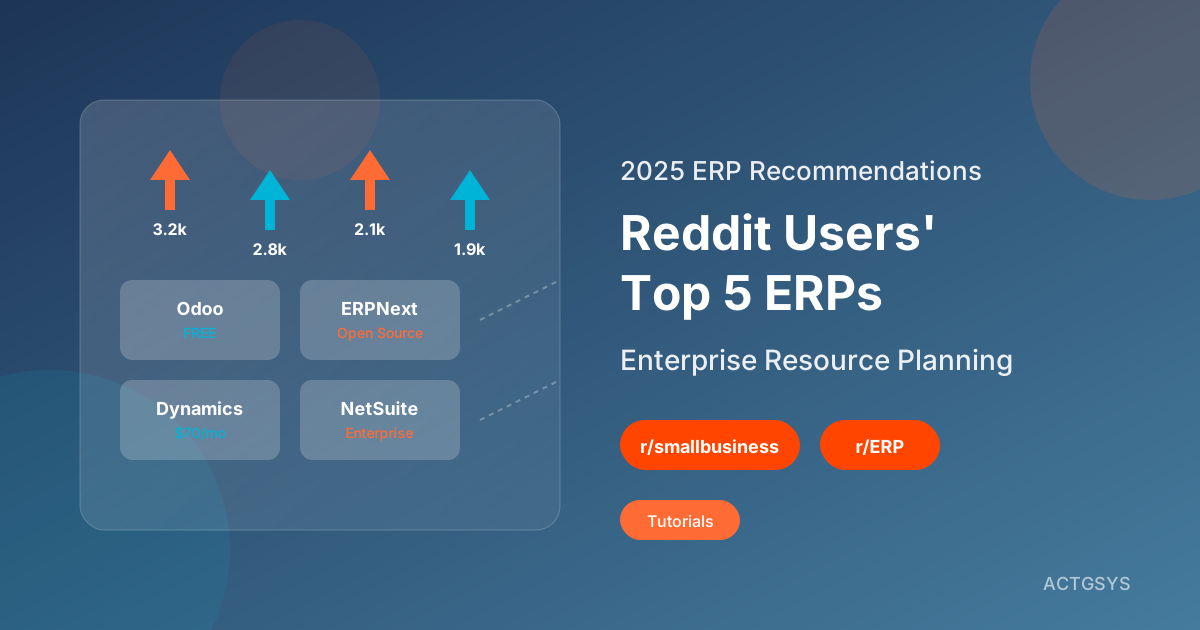
2025 ERP Software Recommendations: Reddit Users' Top 5 Enterprise Resource Planning Systems
Curated from Reddit r/smallbusiness and r/ERP community discussions, comparing Odoo, ERPNext, NetSuite and other ERP systems' pros and cons. Learn from real user reviews to find the best inventory and business management solution for SMEs.
What is ERP? Complete Guide to Inventory Management Systems for SMEs
A comprehensive guide to ERP enterprise resource planning systems: from basic inventory management functions to implementation best practices. Learn how to select the right ERP system for your business and optimize inventory and order management.
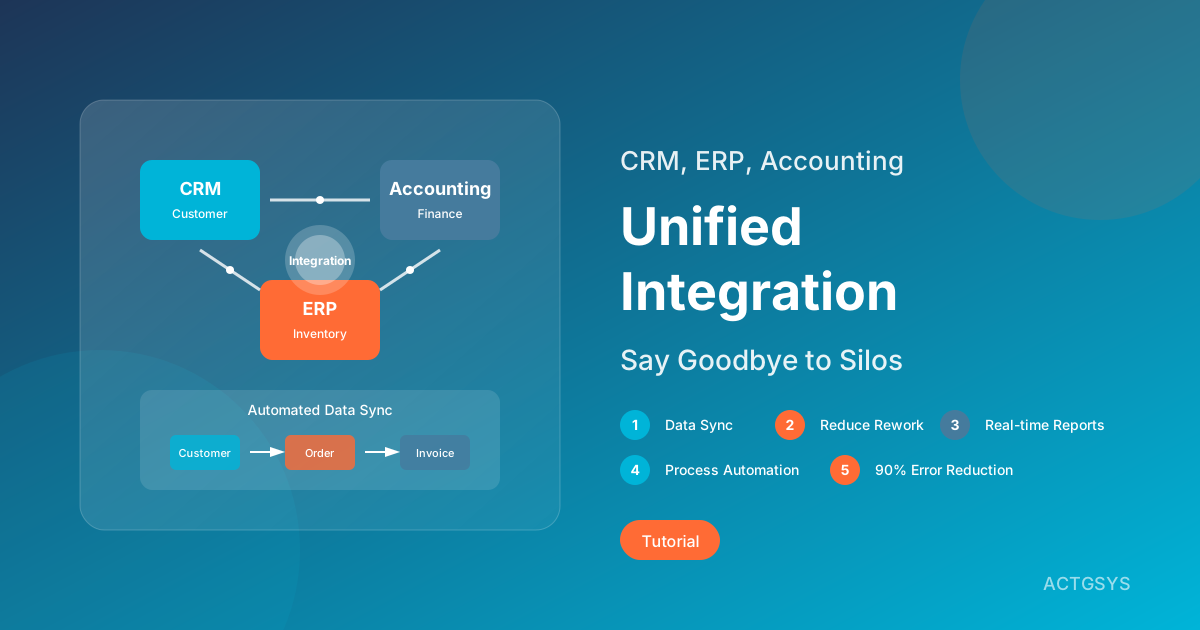
How to Integrate CRM, ERP, and Accounting Systems: Complete SME Integration Guide
In-depth analysis of integration strategies for CRM, ERP, and accounting systems. Understand the pain points of information silos, compare integration methods (API, middleware, native integration), and learn how to achieve data synchronization and process automation.